Description
You found a product idea that looks good. Nice photos, a few strong listings, comments saying want this. Then you order stock and demand is not there. Or suppliers go quiet, or your listing cannot keep up.
This sheet is a quick check before you commit. Three parts in one file: a demand triangle for real signals, a supplier check for risk, and a listing scorecard for how you would actually show up. Score what you can see today and you get a plain read on where the gaps are. It is a checklist with math you can audit, not a sales forecast.
Price: $19 once. No subscription. No upsell. Instant download after payment, with your link on the order page and in your receipt email. Re-download anytime from My Account > Downloads. 30-day refund. If it does not help you screen ideas, email [email protected] within 30 days and you get your money back.
What you get
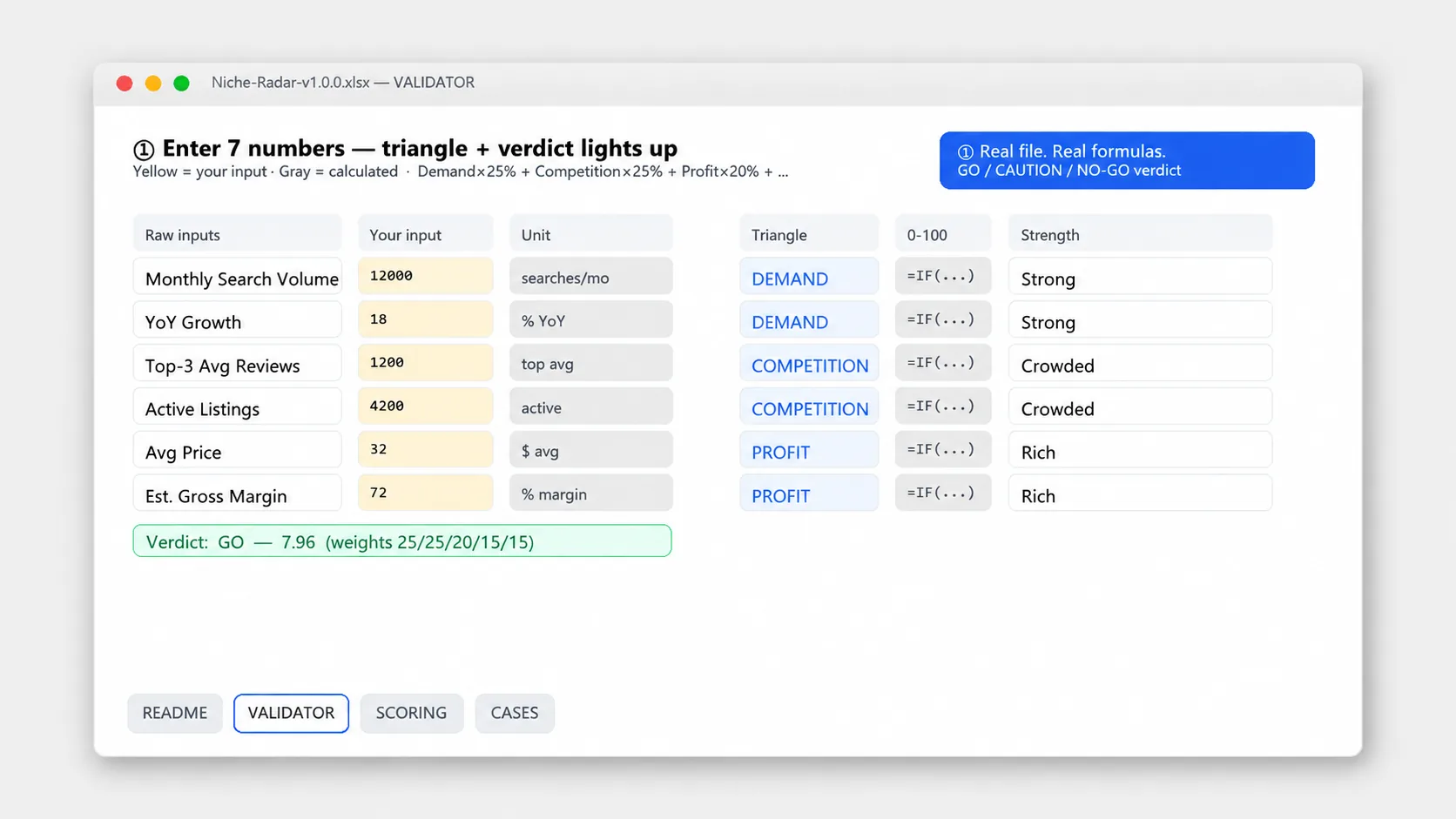
- Demand triangle with three sides: search interest, competitor proof and community pull. Each side has three checks you mark yes, no or partial. The sheet averages each side so you see which one is weak.
- Supplier check with ten yes or no prompts for price range, MOQ, lead time, samples, communication and backup options. Flags red when MOQ or lead time makes a small test hard.
- Listing scorecard to rate title, photos, price position and reviews on the same 0 to 2 scale. It shows whether you can match the middle of the market or beat it with work, without guessing.
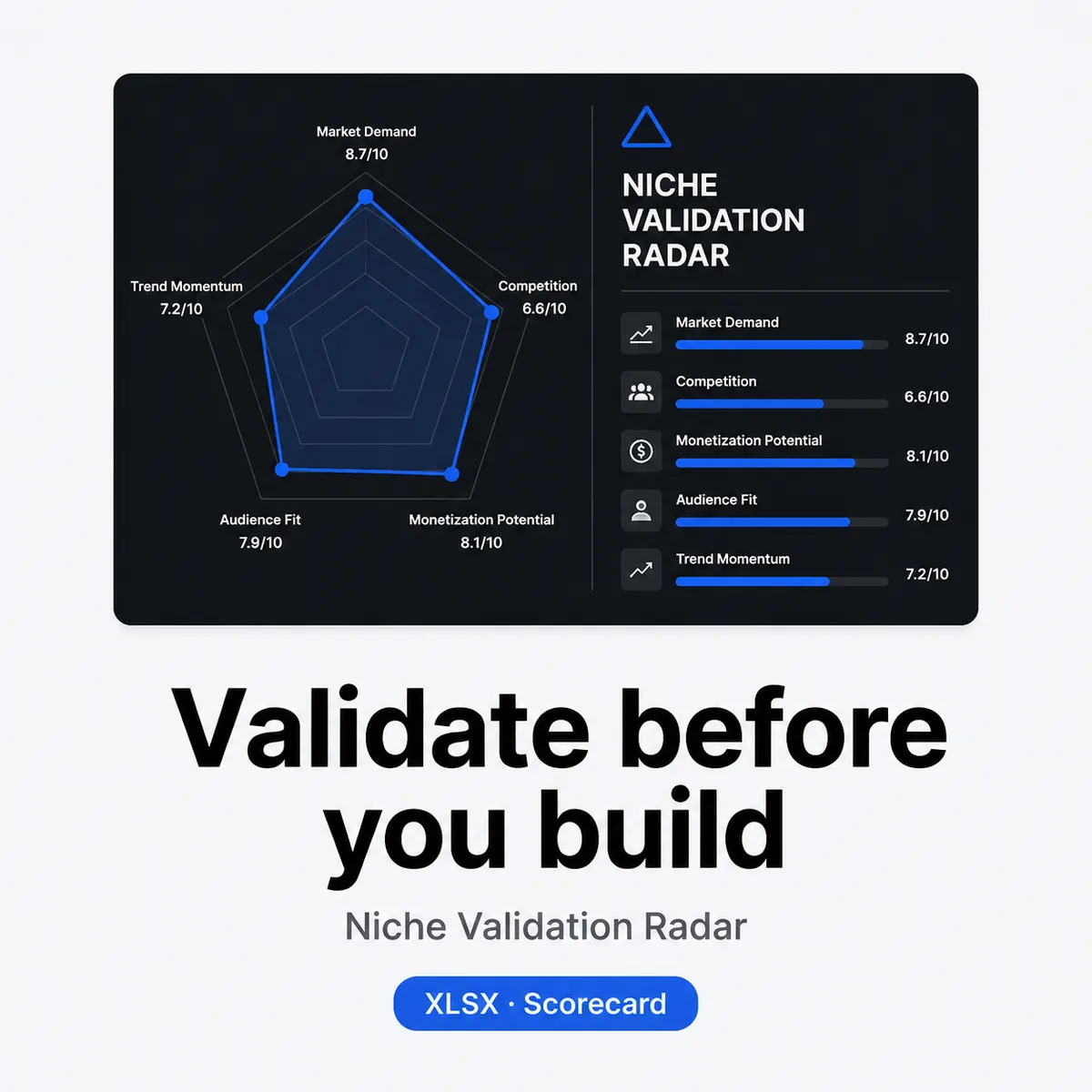
- Summary radar row that pulls your three triangle scores plus supplier and listing scores into one line. No hidden weights, just totals and the lowest area to fix first.
- How to score guide with two filled examples: one idea that passes the triangle but fails on supplier, and one that looks easy to list but is weak on demand. Use them to calibrate before you score your own niche.
Who it is for
For small sellers, Etsy and Shopify starters, and anyone testing product ideas on a small budget who wants a quick screen before buying samples.
- You have two or three niche ideas and need a simple way to compare them on the same checks
- You want to check suppliers early, not after you have already picked a winner in your head
- You prefer a sheet you can reuse for each idea instead of a black box tool that spits out a score
Who it is not for: If you want a tool that predicts sales, estimates profit automatically or guarantees a winning niche, this is not it. This is a scoring sheet based on what you enter. You still do the research and you make the call.
How to use
- Score demand. Open Demand Triangle and check search interest, competitor listings and community signals for your idea. Mark 0, 1 or 2 for each prompt. The sheet totals each side so you see which one lags.
- Check suppliers. Go to Supplier Check, contact one or two suppliers and mark the ten checks with what they actually said about MOQ, price, lead time and samples. If red flags show, note what would need to change to pass.
- Score your listing angle. On Listing Scorecard, pull five current listings in that niche and rate where you would land on title, images, price and reviews. Be honest. A 1 means you can match the middle. A 2 means you can beat it with work.
- Read the radar and decide. Check the summary row. If one area sits far lower than the others, fix that first or drop the idea. Duplicate the file for the next idea and compare rows side by side.
Tip: Score with links. Paste the search result, listing or supplier reply next to each check. When you come back a week later you will remember why you gave a 1 and not a 2.
Limits
- Does not predict sales and does not promise results. It scores the signals you enter. Real demand depends on product, price, timing, ads and many things no sheet can know.
- Scores are manual and subjective. Two people can score the same niche differently. Use the radar to spot gaps and to compare ideas, not as a final grade.
- Not sourcing or legal advice. Supplier checks are basic prompts. They do not verify a supplier and they do not cover import rules, taxes or IP. Talk to your supplier and a professional for those.
- Needs your own research. If you skip looking at listings, search data or supplier replies and just fill numbers, the total will look tidy but it will not be useful.
File spec
- Format: .xlsx, unlocked. Four sheets: Demand Triangle, Supplier Check, Listing Scorecard, Summary Radar plus Guide. About 28 KB. Edit, sort and filter freely.
- Tools: Excel, Google Sheets, Numbers, WPS. No macros, no fonts to install, no plugins. Upload to Google Drive to open in Sheets.
- Delivery: Instant download after payment. Link on the order page and in your receipt email. Log in anytime to re-download from My Account > Downloads.
- License: For one seller or one small team testing ideas. Use it for your own research. Do not resell or share the file itself. Printed copies for your own notes are fine.
Changelog
v1.0.0, 2026-08-21 Initial release. Demand triangle with three sides, supplier check with ten risk prompts, listing scorecard and summary radar view plus guide with two worked examples. Checked for Excel and Google Sheets.
FAQ
Will this predict how many units I will sell?
No. It does not forecast sales, revenue or profit. It helps you score what you can observe today across demand, suppliers and listings so you can see weak spots before you spend. Sales depend on execution and market changes that no template can predict.
Can I use it for Etsy, Amazon or Shopify ideas?
Yes. The checks are generic. Search interest, competitor proof and community pull work for any marketplace. The supplier and listing prompts fit physical products best. If you sell digital goods, skip the supplier sheet and score the other two.
Does it work in Google Sheets?
Yes. Upload the .xlsx to Google Drive and open with Google Sheets. Scores, totals and filters work the same. You can keep it in Drive or download it again as .xlsx to share with a partner.
What is the refund policy?
30 days. If you open the file and it is not a fit, email [email protected] within 30 days of purchase with your order number. We refund to your original payment method and confirm within 1 business day. Same policy as the store Refund page.
From the maker
I run Yixing Store myself and I build small practical sheets for solo work. I made this radar because picking products often comes down to gut feel and a few screenshots. I wanted a sheet that forces me to check demand, suppliers and the listing at the same time, with scores I can trace. If a check does not fit your niche, change it. The file is yours to edit.
Sold directly by the developer
No middlemen. You buy from the person who built it and you get support from the same person.
30-day refund
Not what you expected? Email within 30 days and we put it back to your original payment method. See refund policy.
Verified-buyer reviews only
Reviews come only from buyers and are never edited. We do not publish fake reviews.

Reviews
There are no reviews yet.