Description
You track spending, you save what you can, and you still wonder when work becomes optional. Most budget apps show last month. They do not answer the bigger question.
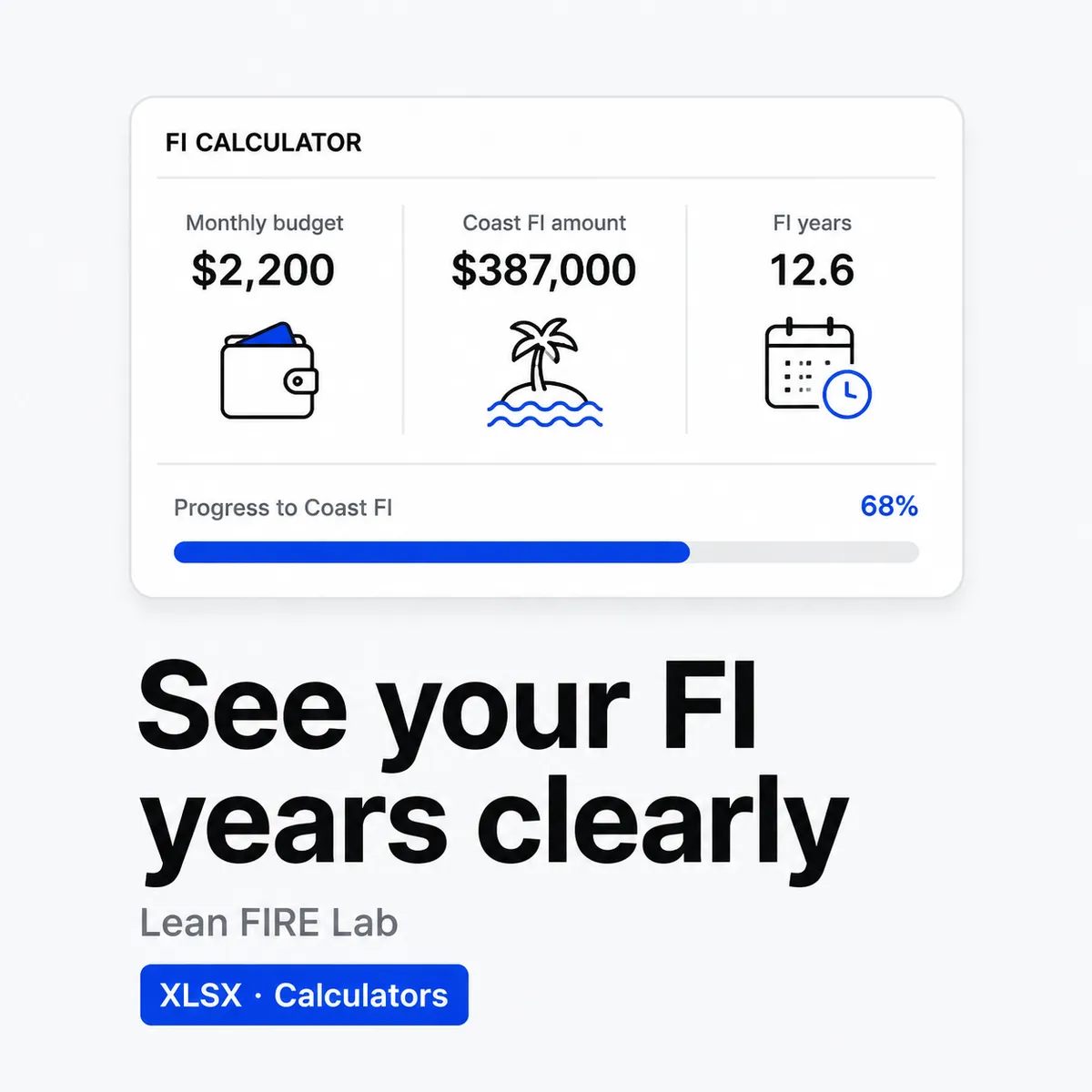
This lab puts three questions side by side in one plain file. Can you give every dollar a job this month. What is your Coast FI number today. How many years to full FI at your current rate. No bank login, no subscription, just formulas you can see and change.
Price: $19 once. No subscription. No upsell. You get the file right after payment and you can re-download it from your account. 30-day refund. If it does not help you plan, email [email protected] within 30 days and you get your money back.
What you get
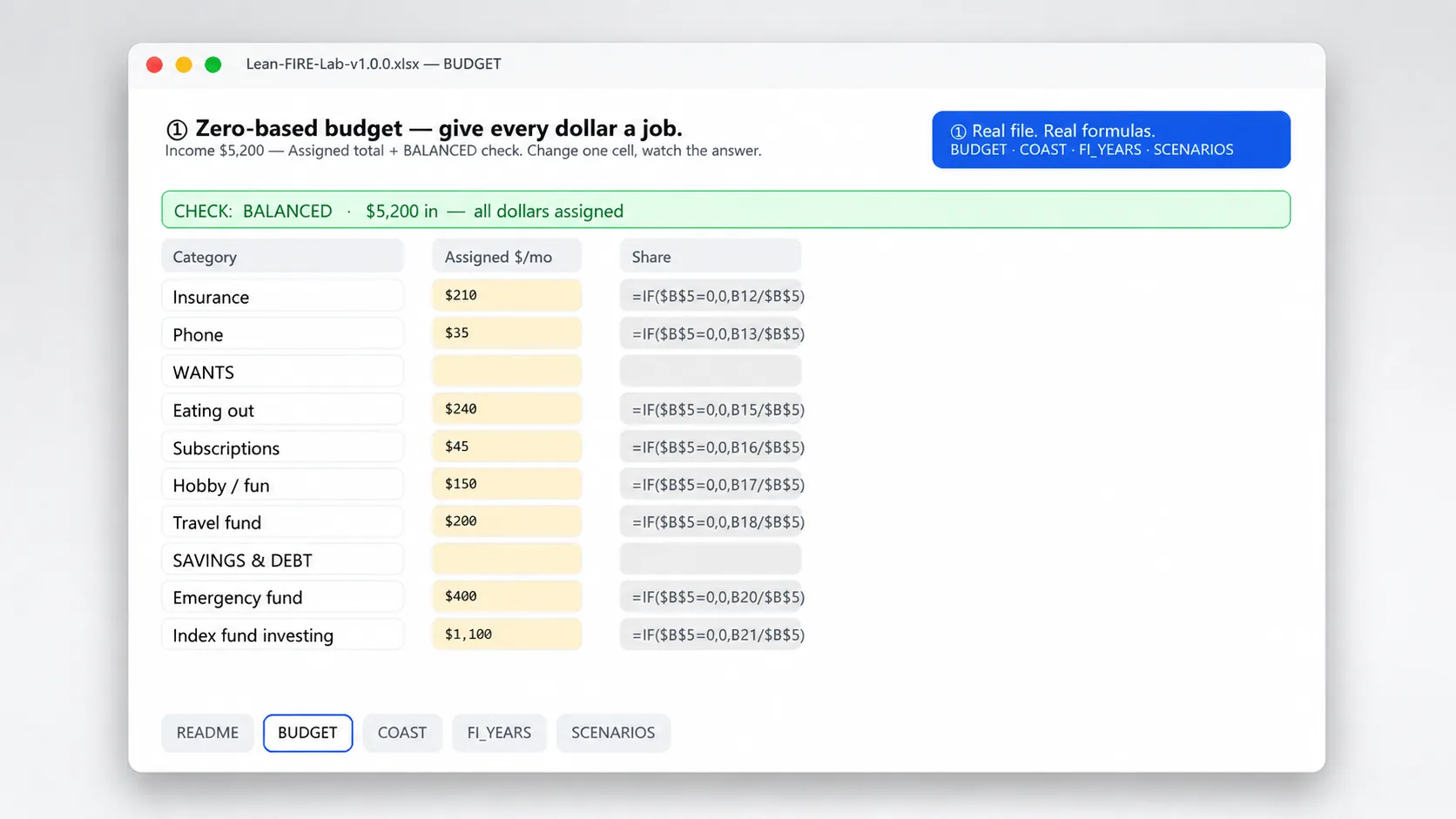
- Zero based budget on one page. Assign income to needs, wants, savings and debt payoff until income minus outgo equals zero. A built in check row flags if you over or under assign.
- Coast FI calculator you can audit. Enter current age, target FI age, current invested balance, expected real return and your FI number. It returns the Coast FI balance you would need today and how close you are.
- FI Years calculator. Enter annual income, annual spending, current portfolio, real return and withdrawal rate. You get years to FI, the implied FI number and savings rate. Change spending or income and see years move.
- Scenario table for what ifs. Keep your base case and test two alternatives side by side. Try cutting $400 in monthly spend, or adding $8k in yearly income, and watch the Coast gap and years to FI update.
- Plain English notes on every sheet. Each input has a short explanation of what real return means and what to enter. No jargon, no hidden math.
Who it is for
Built for people leaning toward Lean FIRE or just wanting a clear budget and a realistic timeline.
- You want a zero based plan without another app that only looks backward
- You have heard about Coast FI and want your own number from your own inputs
- You want to test tradeoffs. A rent change, a raise, or an extra $300 a month, and what that does to years, not just to this month
Who it is not for: If you need automated bank sync, detailed investment tracking inside the same file, or advice tailored to your tax situation, this is not it. This is a planning file with visible formulas. Your inputs drive the result.
How to use it in a minute
- Set the budget to zero. Enter monthly income at the top and assign needs, wants, savings and debt on the Zero Based sheet. Adjust until Remaining shows 0. That is your plan for this month.
- Find your Coast FI gap. On the Coast FI sheet enter current age, target age, portfolio today, expected real return and FI number. It shows the Coast number and your gap. If gap is negative, you already coasted past it.
- Check years to FI. On the FI Years sheet enter income, spending, current portfolio, real return and withdrawal rate. It shows years to FI and savings rate. Use the scenario columns to test a leaner budget or higher income.
- Save a copy for next month. Duplicate the file or duplicate the month column and keep the old month as your record. Formulas stay, history stays.
Tip: Start with last month actuals for the first pass, then build this month plan. Real numbers beat guesses. The file works best with two minutes of real inputs rather than ten minutes of tweaking the return slider.
Limits and honest disclaimer
This is an educational tool, not financial advice. I am an indie developer, not a licensed financial planner.
- Formulas are standard math for zero based budgeting, Coast FI and time to FI. They do not know your taxes, fees, health costs, or future returns. Your real life will differ.
- Expected return is a guess you enter. Markets move, inflation moves. Use a conservative real return and test a lower one in the scenario column.
- FI number and withdrawal rate are inputs you choose. The file does not set them for you and does not tell you what is safe to withdraw.
- If you have complex holdings, debt with variable rates, or need personal advice, talk to a qualified professional. This file helps you think clearly. It does not replace that conversation.
File and delivery
- One .xlsx file, about 45 KB, with four sheets: Zero Based Budget, Coast FI, FI Years and Scenario Compare. All cells unlocked, formulas visible.
- Works in Excel, Google Sheets, Numbers and WPS. No macros, no scripts, no external links. Upload to Google Drive to open in Sheets. Filters and edits work the same.
- You enter monthly income and categories, current age and target age, portfolio today, expected real return, FI number, annual income and spending, and withdrawal rate. Everything else calculates.
- Instant download after payment. Link on the order page and in your receipt email. Log in anytime to re-download from My Account > Downloads.
- Personal or household license. Use it for your own planning. Do not resell or share the file itself.
Changelog
v1.0.0, 2026-08-21 Initial release. Zero based budget with zero check, Coast FI calculator with gap, FI Years calculator with savings rate and FI number, plus two column scenario compare. Notes on every sheet. Pure formulas, no macros.
FAQ
Does this file give me financial advice or tell me what return to use?
No. It calculates from the numbers you enter. It does not recommend a return, a withdrawal rate, or investments. Start conservative, test a lower real return in the scenario column, and get professional advice for your situation.
What currency does it use and does it handle taxes?
Any currency works. Enter numbers in your currency and the results stay in that currency. It does not calculate taxes. Enter income and spending after or before tax consistently and keep that rule across sheets.
Is this the same as a bank sync budget app?
No. This is one file with three calculators you control. It does not sync to banks, it does not track transactions automatically, and it works offline. That is the point. You see every formula and you keep your data.
From the maker
I run Yixing Store solo. I built this lab because FIRE math was scattered across posts and opaque calculators. I wanted one file where Lean budgeting, Coast FI and years to FI live together with formulas I can audit. If a cell looks odd, unhide the formula and check it. That transparency is the whole idea.
Questions after you buy. Email [email protected]. A real person replies within 24 hours. 30-day refund, same policy as the store refund page.



Reviews
There are no reviews yet.