Description
You pin when you remember, then the pin points nowhere useful. Traffic comes and goes. You want one loop you can repeat without a paid tool or an AI writer that invents keywords.
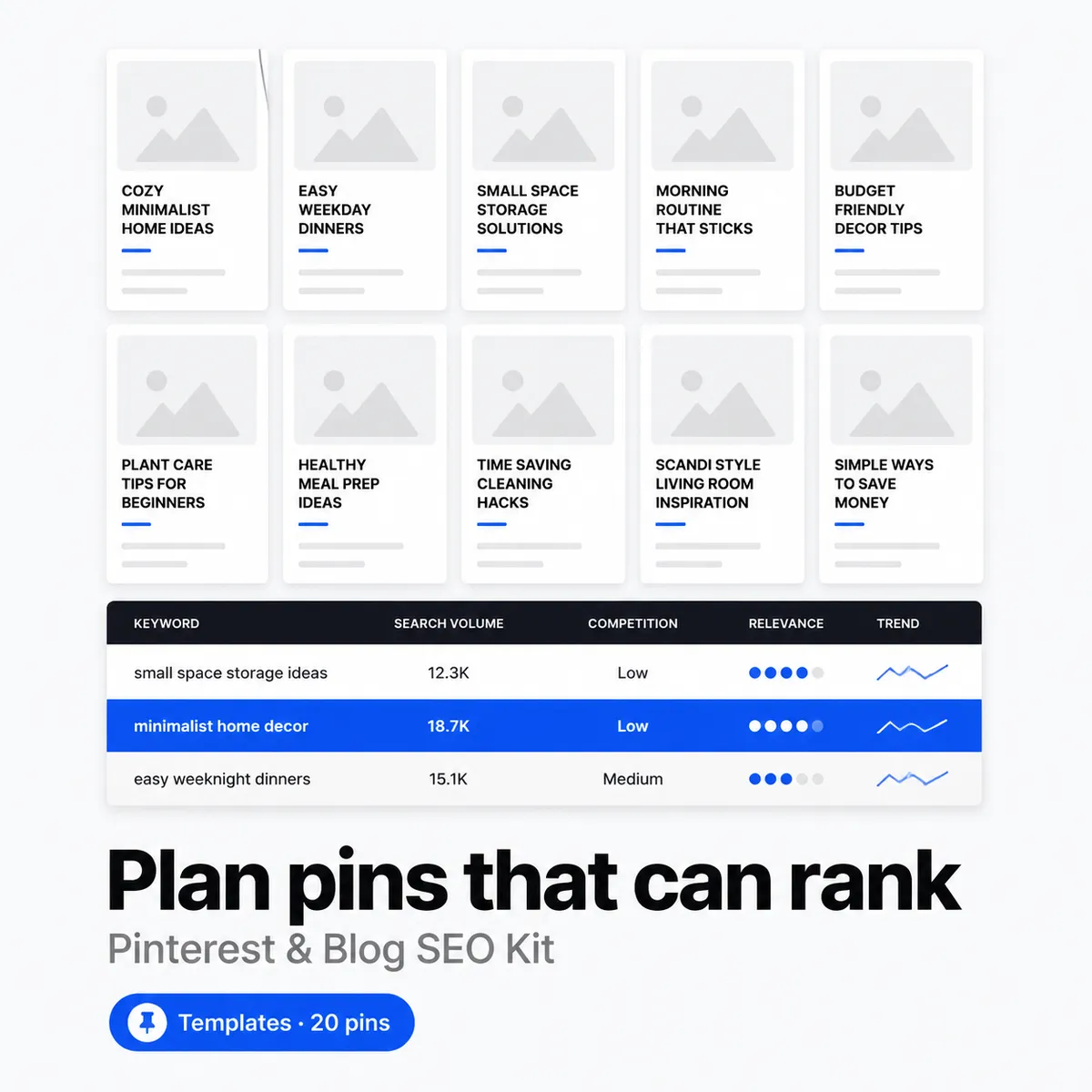
This kit gives you that loop in two places you already use. Twenty pin templates in Canva and a keyword and cluster pack in one spreadsheet. Pick a small cluster, draft a post from an outline that has somewhere to link, make two pins that point to it, and track what you published. No scheduler, no subscription, just templates and sheets you can see and edit.
Price: $19 once. No subscription. No upsell. Instant download after payment, with your link on the order page and in your receipt email. Re-download anytime from My Account > Downloads. 30-day refund. If it does not help you ship pins and posts more steadily, email [email protected] within 30 days and you get your money back.
What you get
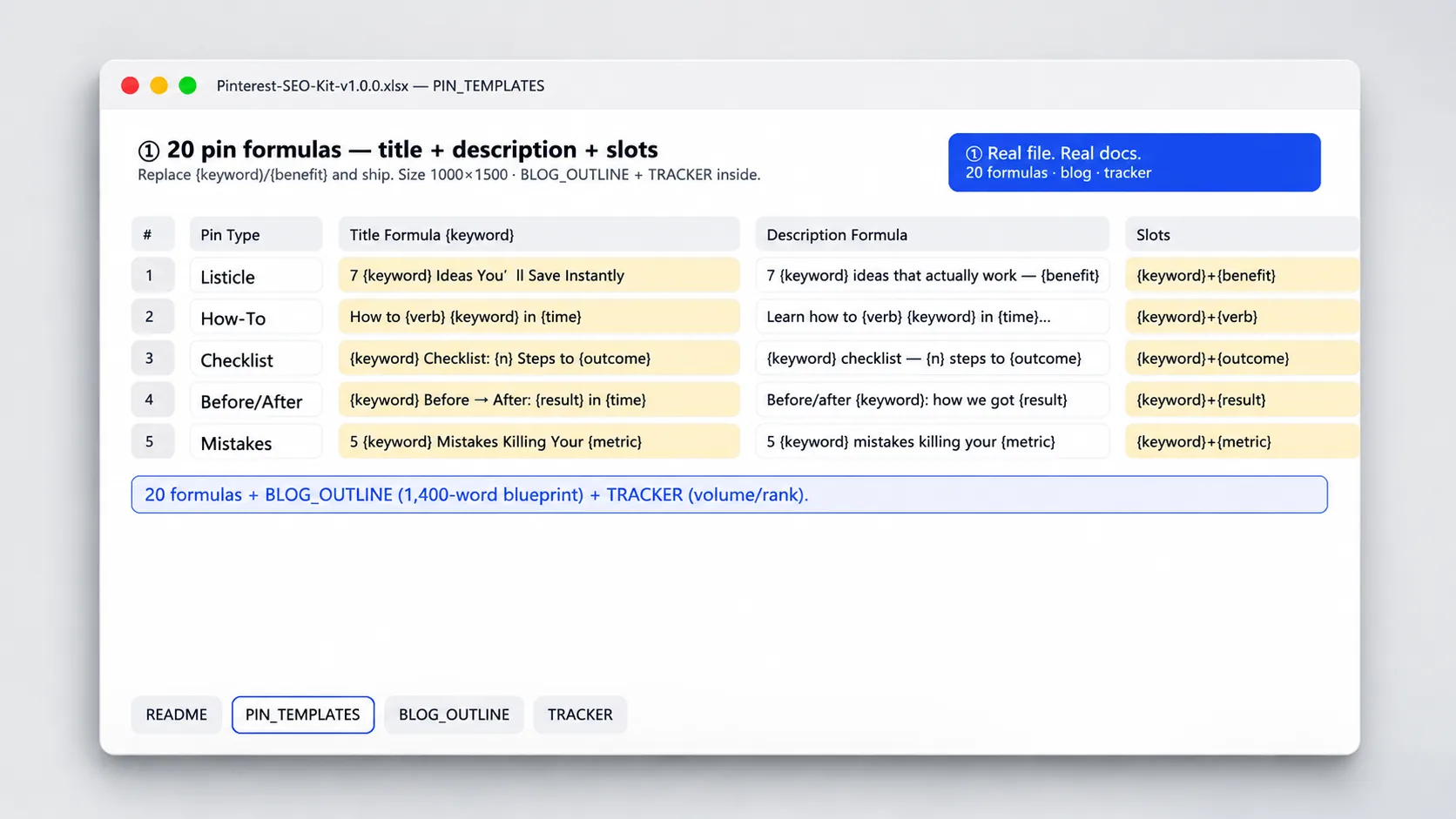
- 20 pin templates in Canva, 1000 by 1500. Five types with four variants each. Clean title, list, before and after, and photo-focused layouts. Set fonts and colors once and reuse.
- 8 blog outline starters with H2s. Each outline has a working title, intro prompt, four to six H2s, and a note on where a pin naturally points. Add your own examples and keep the structure.
- Keyword and cluster pack in Sheets. One sheet to log keywords, intent, and monthly signal, plus a cluster sheet to group three to five related terms into one post idea. Filter by status to see what is ready to draft.
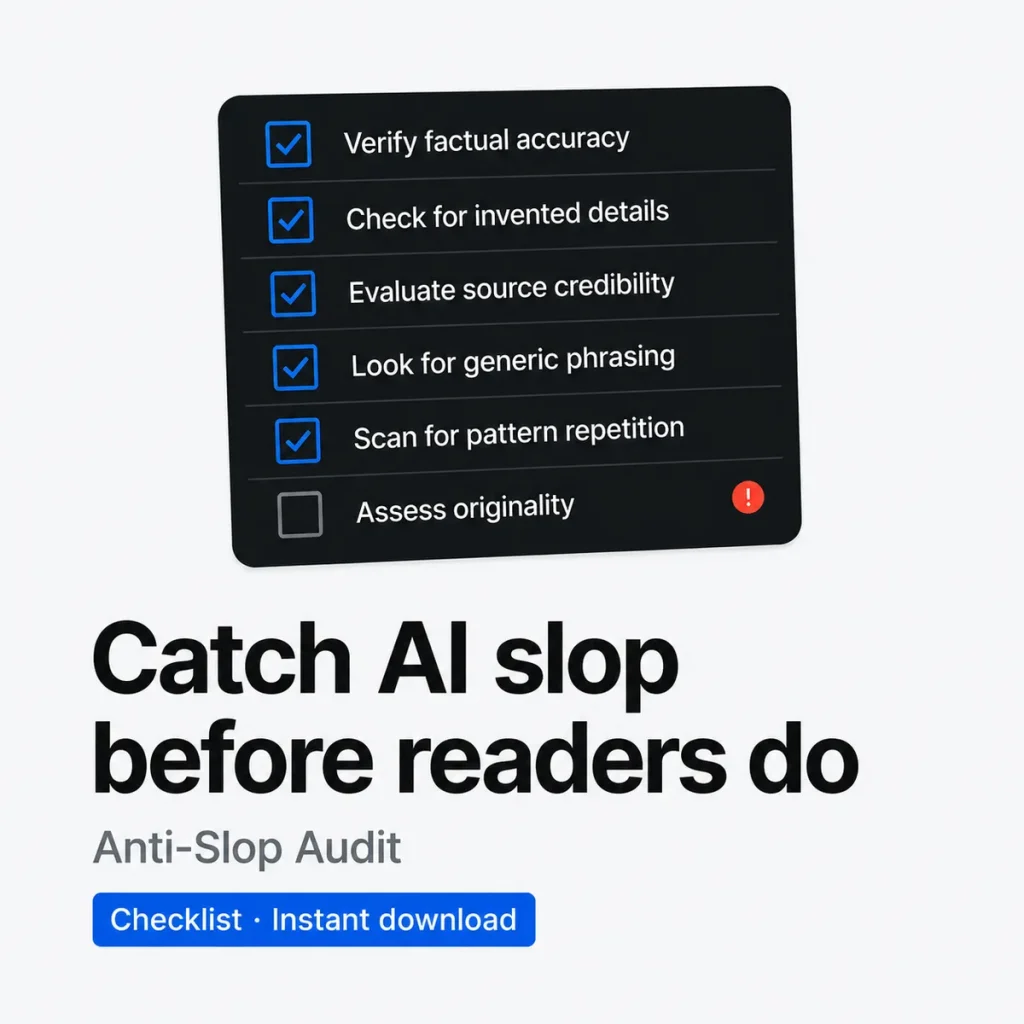
- One-page Pinterest checklist. Before you publish, check title length, description, link, board, and pin to post match. Use it for each pin so nothing ships half done.
- Example rows and plain notes. Prefilled keyword, cluster, and outline rows show how to fill each sheet. Notes on every column explain the field in plain English so you can log your first idea in minutes.
Who it is for
Built for Etsy and Shopify sellers and small blogs that want Pinterest to send steady clicks to posts that answer real searches, without buying another SEO tool.
- You want pins that point to a post with a reason to click, not just to a product page
- You like working in Canva and Sheets and want a repeatable process you can keep yourself
- You want a small keyword cluster to focus each post, so you are not guessing titles each week
Who it is not for: If you want auto pinning, bulk scheduling, or a tool that writes posts and finds keywords for you, this is not it. This is templates and a tracker you fill by hand. You still write, design, and publish yourself.
How to use it in a minute
- Pick a cluster. Open the Keyword sheet. Add a few terms you already hear from customers or search, set intent, and group three to five into one cluster row. Mark one cluster as next up.
- Draft from the outline. Open Outlines. Copy an outline starter that fits the cluster and fill the H2s with your own points and examples. Keep the pin tie-in note so the post has two clear pin angles.
- Make two pins in Canva. Open the template link, duplicate a title and a list variant, change the text to match the post, and export at 1000 by 1500. Use the checklist for title, description, link, and board.
- Track and repeat. Log the keyword cluster, post link, pin links, and publish date in the Tracker. Filter by published to see what is live and what to make next. Do one cluster a week and you keep the loop going.
Tip: Start with one cluster you could answer from experience this week. Write that post, ship two pins, and log it. One small loop done beats a big keyword list you never use.
Limits
This is a workflow kit with templates and a tracker. It helps you publish with more focus. It does not promise traffic or ranking.
- No paid SEO tool and no data pull. You enter keywords and clusters by hand, so the list stays true to what you actually want to write about.
- Canva free is enough. The templates use free fonts and elements. If Canva changes its library, replace an element with a free one. No Pro needed.
- No ranking promise and no traffic forecast. Pinterest and search depend on your topic, competition, and time. This kit gives you a repeatable way to test ideas and keep what works.
- You check pins and posts before you publish. Review titles, links, and descriptions. The file helps you stay consistent. You are responsible for what you send out.
File spec
- Format: One .xlsx file, about 22 KB, with sheets for Keywords, Cluster Pack, Blog Outlines, and Tracker and the checklist. All cells are unlocked and every formula stays visible. Canva templates via a link inside the file, 1000 by 1500, five types with four variants.
- Tools: Canva free for the pins and Excel, Google Sheets, Numbers, or WPS for the sheets. No macros, no scripts, no external plugins. Upload the .xlsx to Google Drive to open in Sheets. Filters work the same.
- Delivery: Instant download after payment. Link on the order page and in your receipt email. Log in anytime to re-download from My Account > Downloads.
- License: For one shop or one small team sharing one setup. Use the templates and sheets for your own pins and posts. Do not resell or share the files themselves.
Changelog
v1.0.0, 2026-08-21 Initial release. 20 pin templates in Canva at 1000 by 1500, eight blog outline starters with H2s and pin tie-in, keyword and cluster pack, and one-page Pinterest checklist with example rows. Checked in Canva free and in Excel and Google Sheets.
FAQ
Do I need Canva Pro for the pin templates?
No. The twenty templates use free fonts and elements so free Canva works. Open the link, make a copy, then change colors and fonts to your brand. If an element shows as Pro, swap it for a free one.
Will this make my pins or posts rank?
No promises. The kit helps you pick a small cluster, outline a post that answers it, and make pins that match. Whether something ranks depends on the topic, competition, and time. The tracker helps you see what you published and try the next idea without guessing.
What is the refund policy?
30 days. If you open the files and it is not a fit, email [email protected] within 30 days of purchase with your order number. We refund to your original payment method and confirm within one business day. Same policy as the store refund page at /refund_returns/.
From the maker
I run Yixing Store solo. I built this kit because my own Pinterest was random pins to thin posts. Grouping three to five keywords into one clear post and pointing two simple pins at it was the first loop I could keep. If a template or outline does not fit how you write, change it. The files are yours to edit.
Questions after you buy. Email [email protected]. A real person replies within 24 hours. 30-day refund, same policy as the store refund page.
Sold directly by the developer
No middlemen. You buy from the person who built it and you get support from the same person.
30-day refund
Not what you expected? Email within 30 days and we put it back to your original payment method. See refund policy.
Verified-buyer reviews only
Reviews come only from buyers and are never edited. We do not publish fake reviews.
Reviews
There are no reviews yet.